Mode jour. Mode nuit.
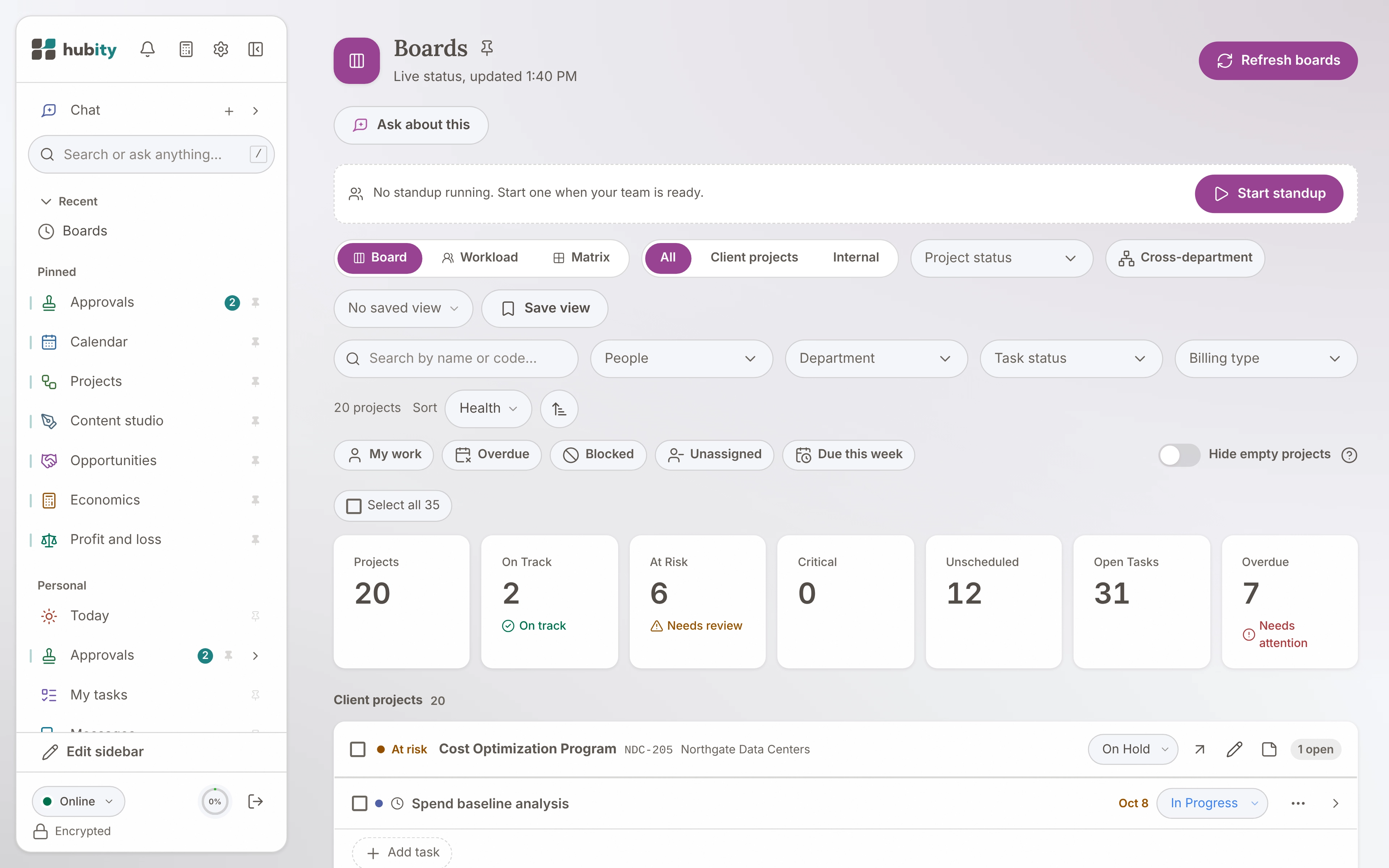
Chaque panneau existe dans les deux, et le mode sombre n'est pas qu'une palette inversée. C'est une version plus chaleureuse et plus feutrée de la même pièce.
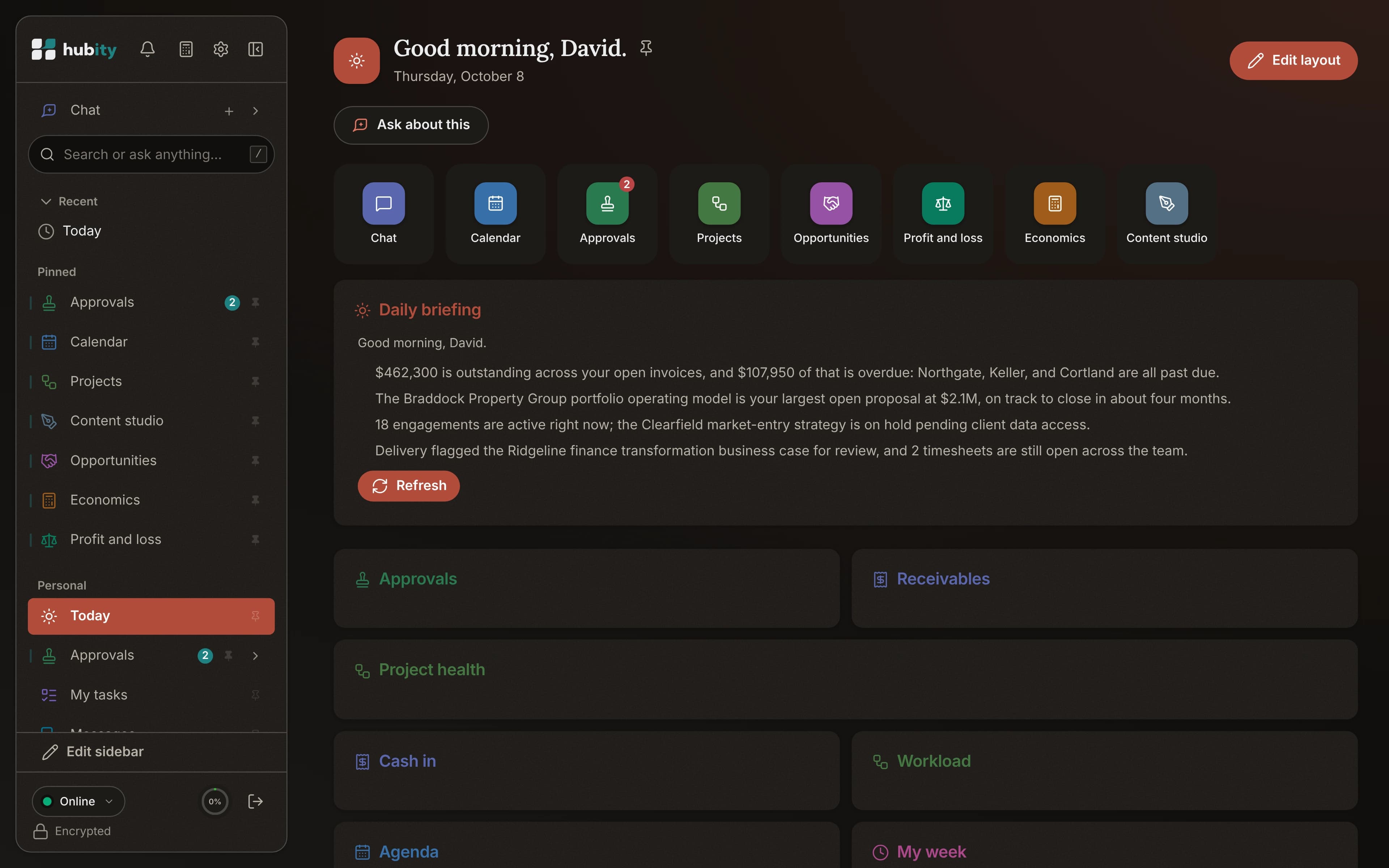
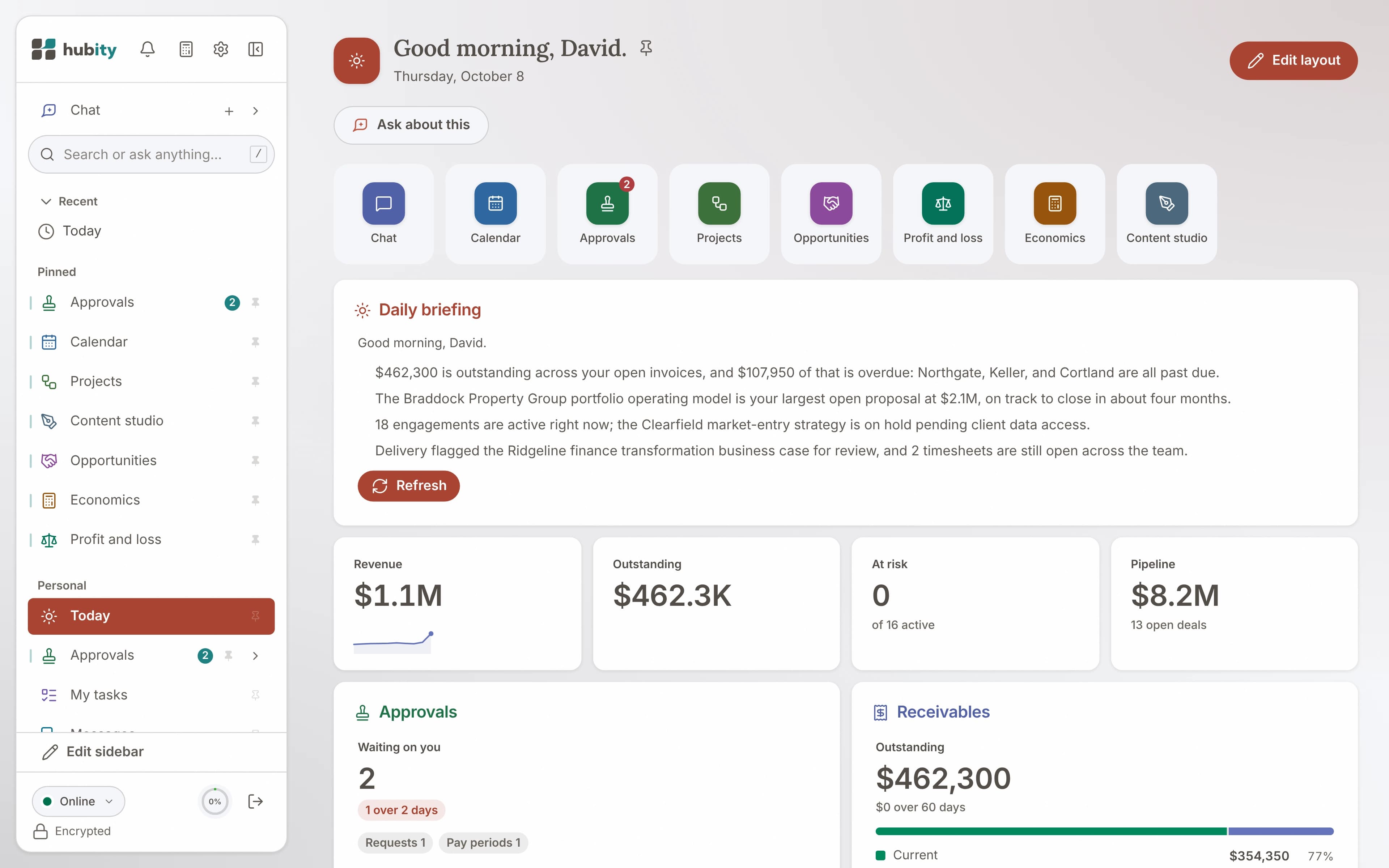
Faites glisser pour retourner le même écran, ou utilisez les touches fléchées.
Le même espace de travail, habillé selon l'heure du jour.
Chaque panneau, de jour comme de nuit.
Aucun recoin à moitié thématisé. Chaque écran, du Tableau de bord à la facturation, est dessiné pour les deux, de sorte que basculer ne rompt jamais le charme.
- Les deux thèmes sur chaque panneau
- Un contraste ajusté pour chacun, non inversé
- L'unique accent turquoise se lit dans les deux
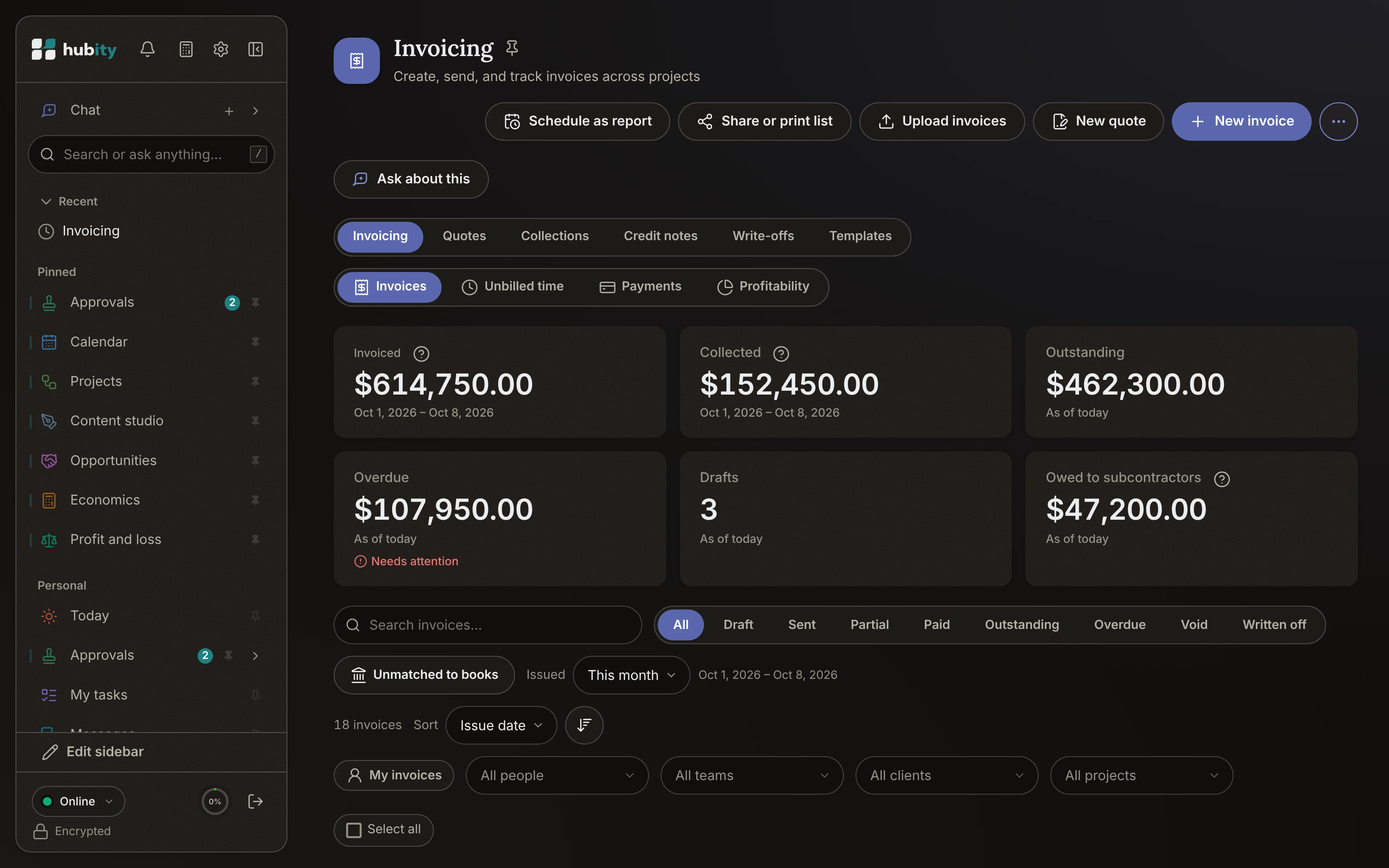
Un mode sombre qui a du souffle.
Le mode sombre s'appuie sur un presque-noir chaud plutôt que sur un gris froid, si bien qu'il évoque une soirée paisible, et non un écran éteint.
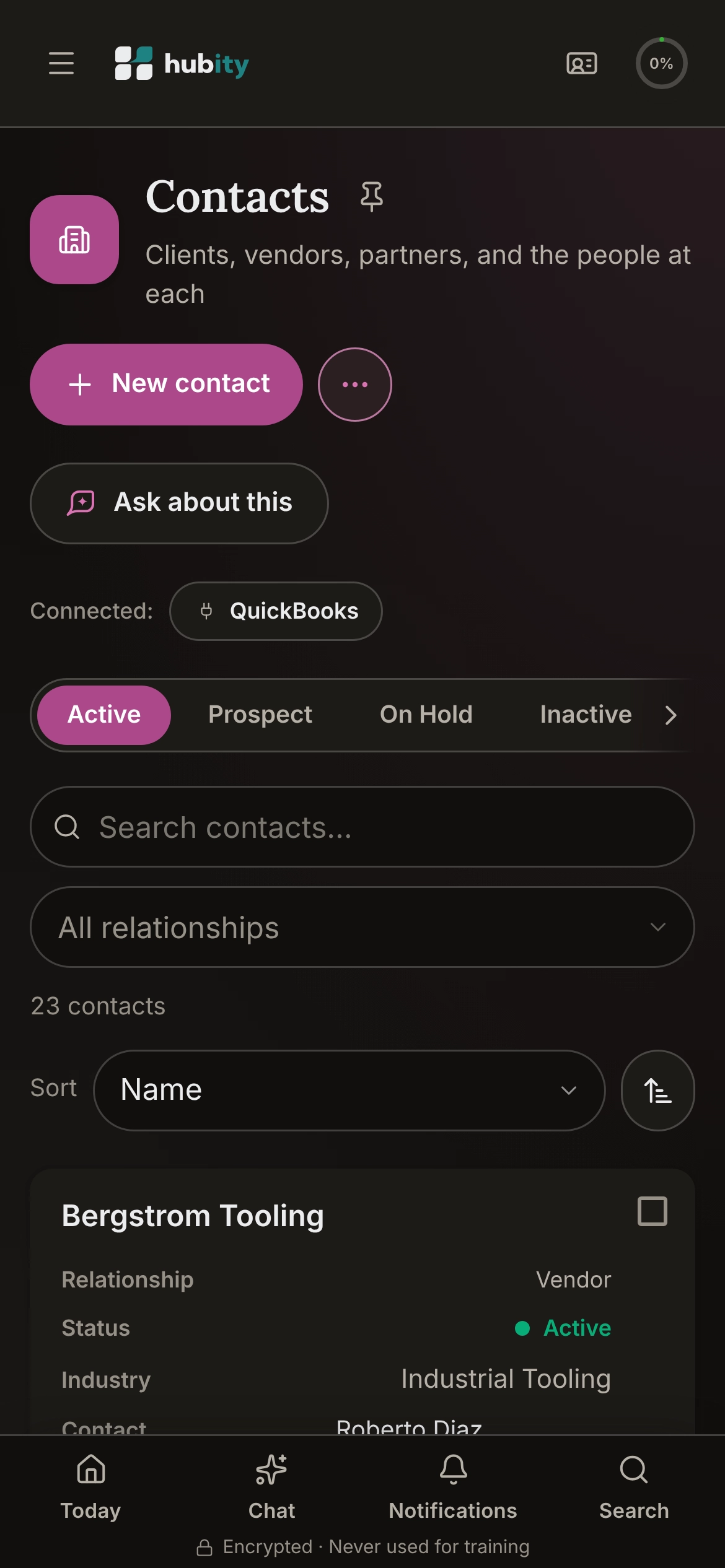
S'accorde à votre système, ou à votre humeur.
Hubity suit votre appareil par défaut, et un simple interrupteur passe outre. Votre choix reste en place, partout où vous vous connectez.
Pensé dans les deux.
Travaillez dans la lumière qui vous convient.
Commencez gratuitement avec Starter. Aucune carte de crédit requise.