Bill your firm's month from Copilot
Close the month without rebuilding invoices by hand: Copilot previews every invoice from approved time, expenses, retainers and contract progress, less money held back (retainage), then drafts them for you to review and send.
Free on Starter for up to 3 people. No card needed.
What you can ask
Plain words. Every answer comes from your own records.
“Bill last month: show me what each invoice would be first.”
A preview of one invoice per project from approved time, billable expenses, retainers and contract progress, with anything that needs a decision flagged and nothing written.
“Draft the invoices and give me the links to review them.”
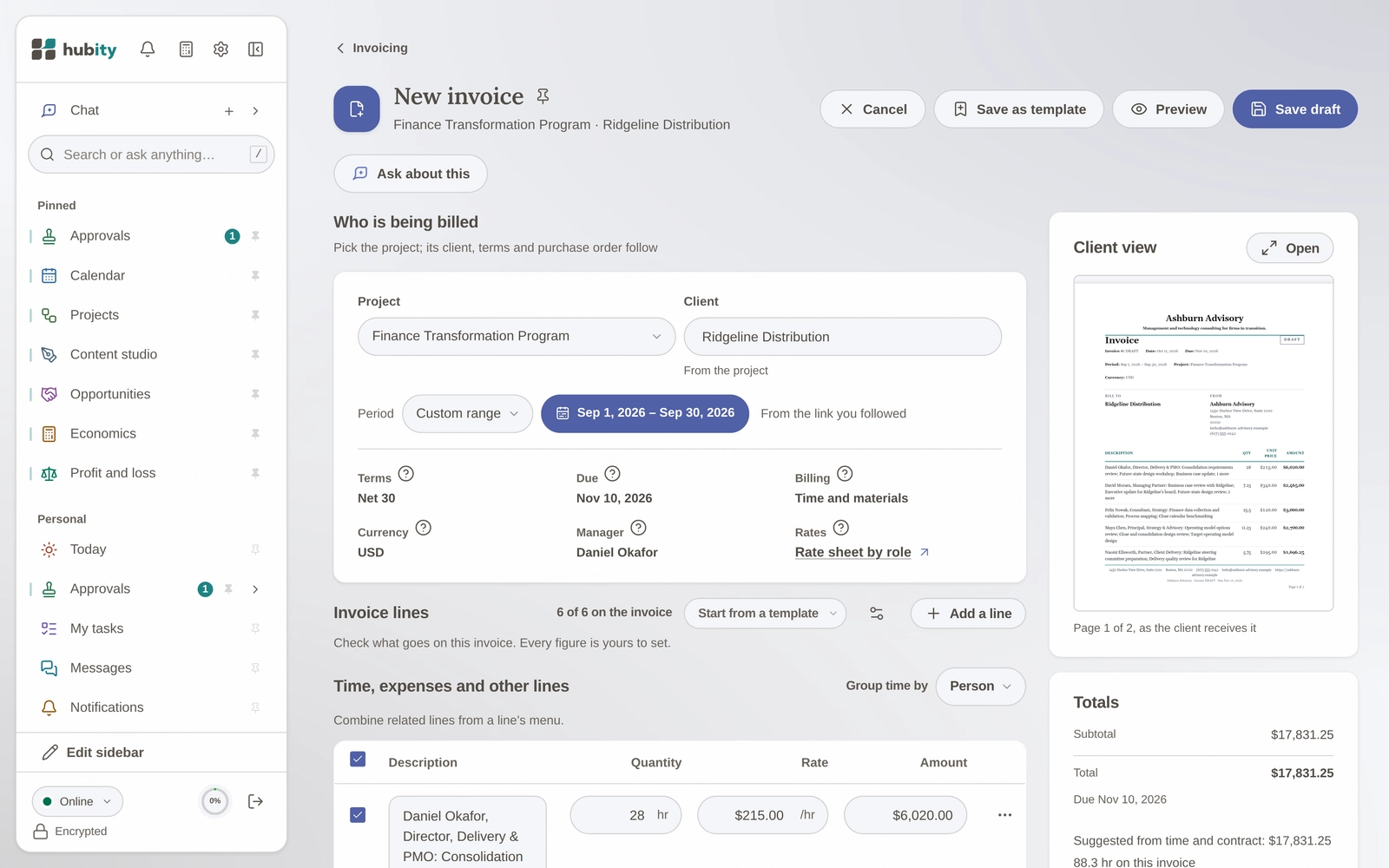
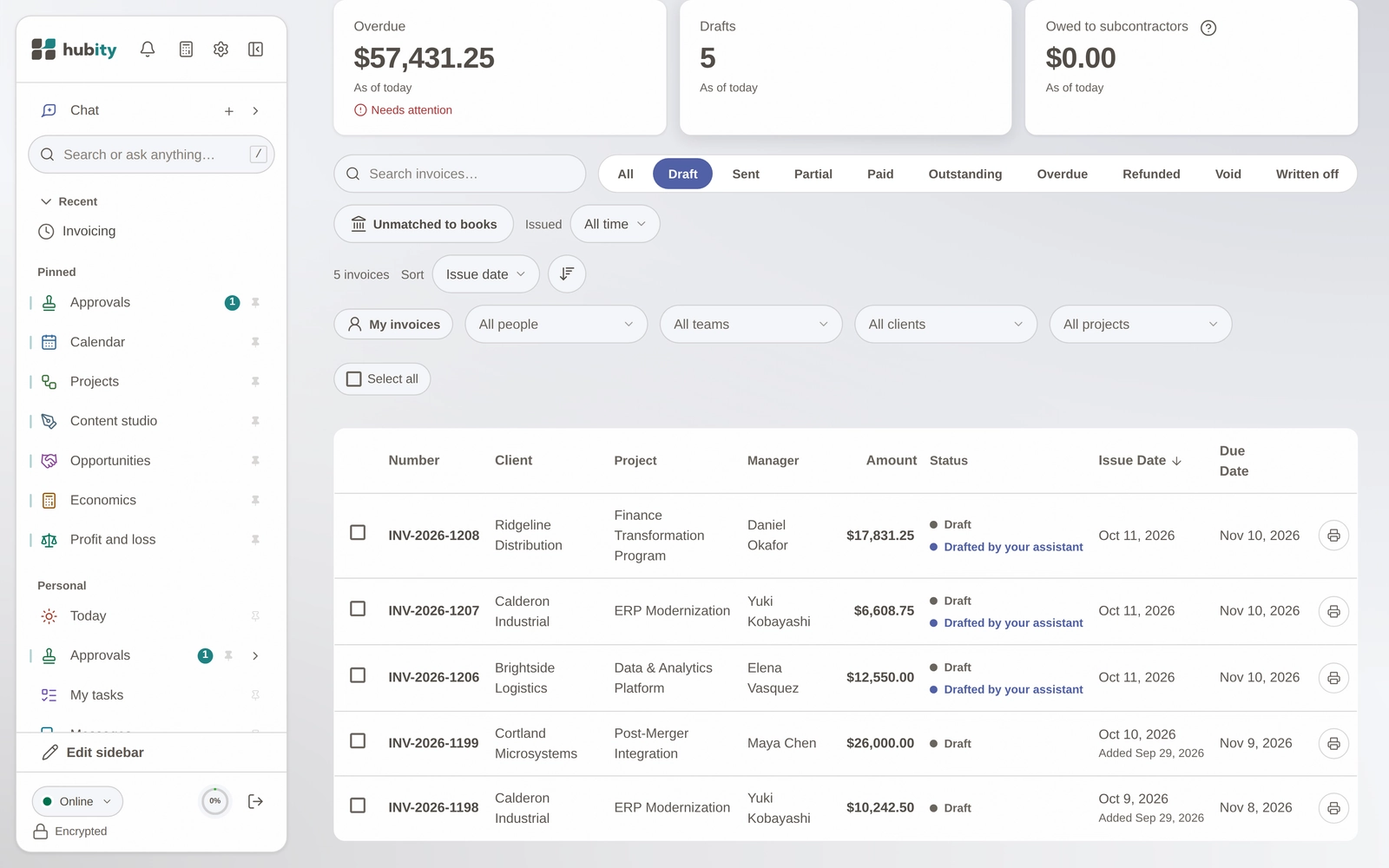
Each invoice is drafted in Hubity and marked Drafted by your assistant, for you to review and send yourself.
“Who on the team was over capacity last month?”
Each person's available hours against the client time they logged, from the same capacity rules as Hubity.
How it stays safe
Your role, nothing more
What Copilot reads follows your role in Hubity, only after you sign in and approve it, and each company's data is kept separate.
Drafts are never sent
Copilot can draft invoices but never send them; a person reviews and sends each one in Hubity.
You approve every change
Drafting invoices or logging time needs write access you approve on Hubity's consent screen, and every change is recorded in your activity log.
Connect Copilot
A few minutes, no code. You sign in to Hubity and choose what it may do.
- In Copilot Studio, open your agent, then Tools, Add a tool, New tool, Model Context Protocol.
- Name it Hubity and paste the server URL above.
- For authentication, choose OAuth 2.0 with Dynamic discovery, then Create and Next.
- Create a new connection, sign in to Hubity, choose Allow access, then Add to agent.
Publish the agent to Microsoft 365 Copilot and Teams from Copilot Studio. Each person then signs in to Hubity with their own account.